

I Built Two Claude Code Plugins for Making My Project Production-Ready
Last week, I finished all the features I needed on the surface, however, I know a single developer’s basic testing isn’t enough to confirm a project as production-grade.
I wanted to a full review to identify issues and fix them. Of course, that’s a lot of work for a single Claude Code session, so I created two plugins to help me automate the process.
- feature-recon that analyzes the codebase from various perspectives (product engineer, UI/UX expert, security engineer, QA engineer) and outputs JSON reports as well as a beautiful HTML report with various charts. This plugin also has a
/feature-taskscommand that creates markdown task documents for the issues it finds. - simple-task-manager because claude-task-master (the tool I used previouslyl) became too bloated for the way I actually work. It’s a simple task management plugin that manages task documents in
tasksfolder. It includes anautopilot.msjhelper script that handles the tasks one by one, waits for session limit to reset when it hits limits, etc. I run it overnight, and have 10+ tasks completed by the morning. Life saver.- why not use something like OpenClaw or Hermes Agent? 1) I don’t trust their harness. They’re too eager to go over the board. I’ll look into utilizing them in other scenarios and most likely publish another article for those. 2) It’s more cost efficient to run this
simple-task-manager.
- why not use something like OpenClaw or Hermes Agent? 1) I don’t trust their harness. They’re too eager to go over the board. I’ll look into utilizing them in other scenarios and most likely publish another article for those. 2) It’s more cost efficient to run this
Okay, let’s get into the details.
Claude Code Feature-Recon Plugin
Feature-recon sweeps a codebase feature by feature and tells you what works, what’s broken, what’s missing, and what nobody tested.
Read-only. It never changes your code.
Here’s the HTML report it creates (derived from JSON reports)

One HTML file. No CDN, no build step, no network at runtime — every chart is hand-rolled SVG, so it opens from any path and still works offline five years from now.
The risk map answers the only question that matters on Monday morning: which feature is both unfinished and dangerous. Maturity across, severity weight up, bubble area is total findings.

Then it gets specific — severity stacked per feature, ordered by weight, every bar a jump link into the full read with its cited evidence.

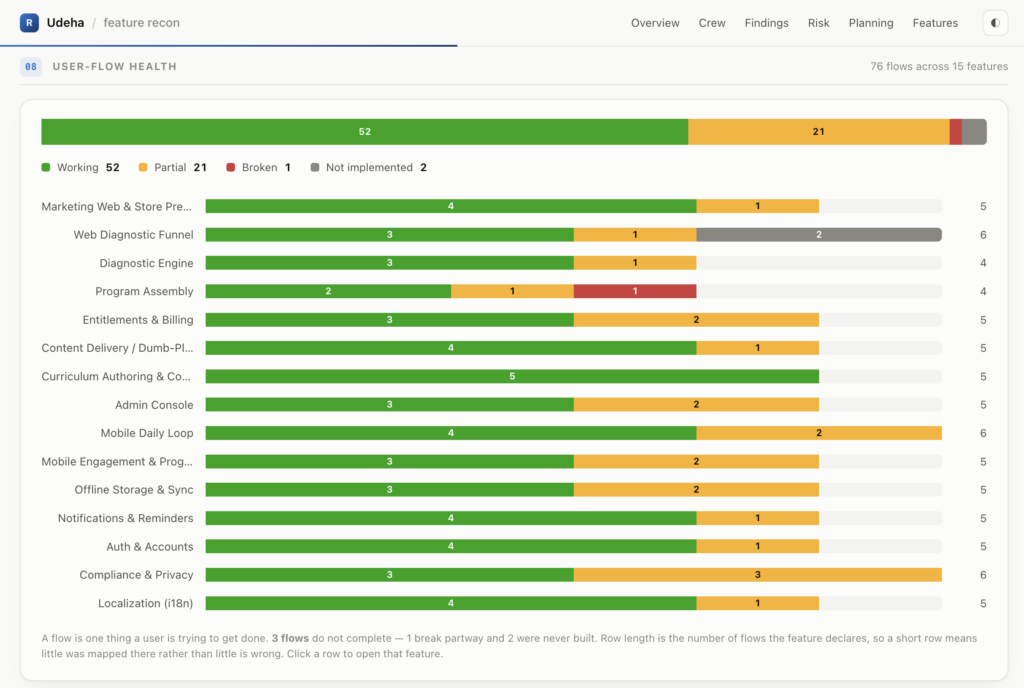
Flow health separates “shipped” from “works”. Working, partial, broken, not implemented — across the project and per feature.

The planning grids show where the work is pooled — bugs by severity × effort, gaps and opportunities by priority × effort. Severe and cheap is the top-left cell, and that’s where /feature-tasks aims.

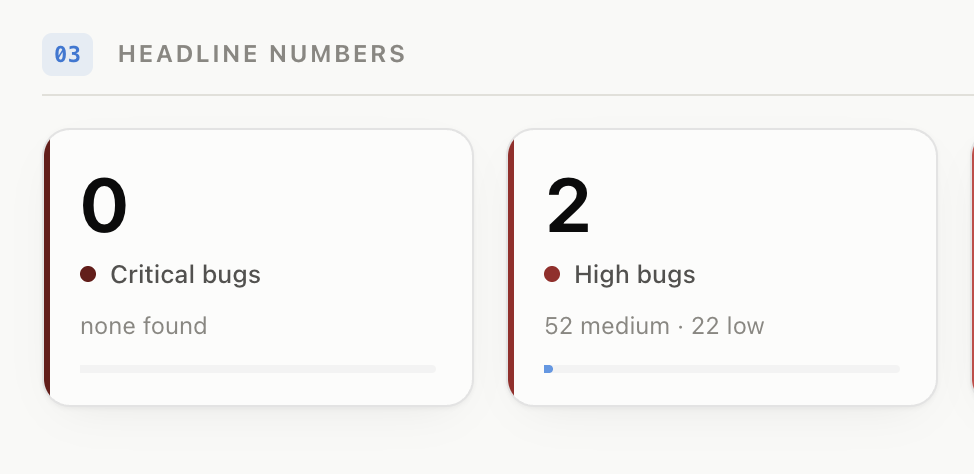
Fix things, re-run the sweep, and the grid moves with you. Same project after a work cycle — critical bugs 7 → 2, high 30 → 25, while the medium backlog barely shifts. That’s the shape of real progress, and it’s measurable between two commits.

Every feature also gets a card and a full drill-down — maturity, surface, coverage, flows, bugs, gaps, opportunities.

I created tasks for the critical and high severity bugs
the /feature-tasks commands create pretty detailed task documents (with suggested fix plans) based on the task file template it comes with and the case specific report.
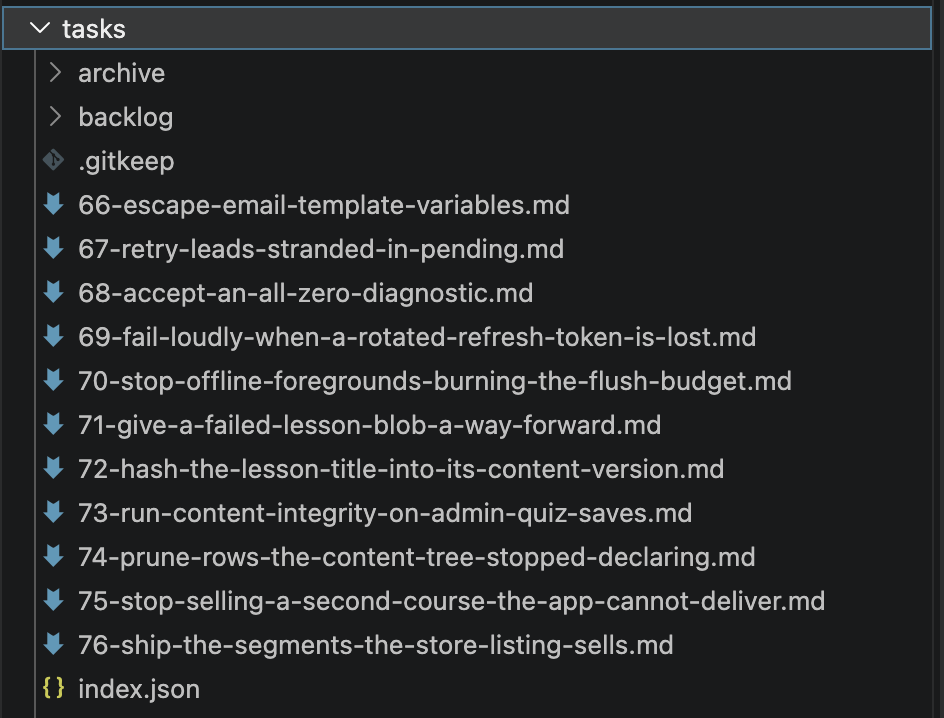
I initially handled those manually one by one, but eventually got tired of running the same prompt again and again, merging, pushing, etc..
So, I created a helper script to do it for me, which is how we got the simple-task-manager Claude Code plugin.
It comes with a tasks.mjs and autopilot.msj to handle the common operations. It also features Claude Code commands for utilizing those functions.
| Command | Does |
|---|---|
/simple-task-manager:new-task <description> | Write a new numbered task document and fill in its body |
/simple-task-manager:list | Show the queue and what is up next |
/simple-task-manager:sync | Pick up task documents added or edited by hand |
/simple-task-manager:implement-next-task | Plan the next task, get approval, implement it, mark it done |
/simple-task-manager:autopilot | Drive the unattended runner: status, digest, a single run, scheduling |
/simple-task-manager:clear | Archive completed documents into tasks/archive/ |
However, to be fully transparent, I just use the autopilot.msj loop command mostly.
Here’s how I handled the tasks I needed to finish today:
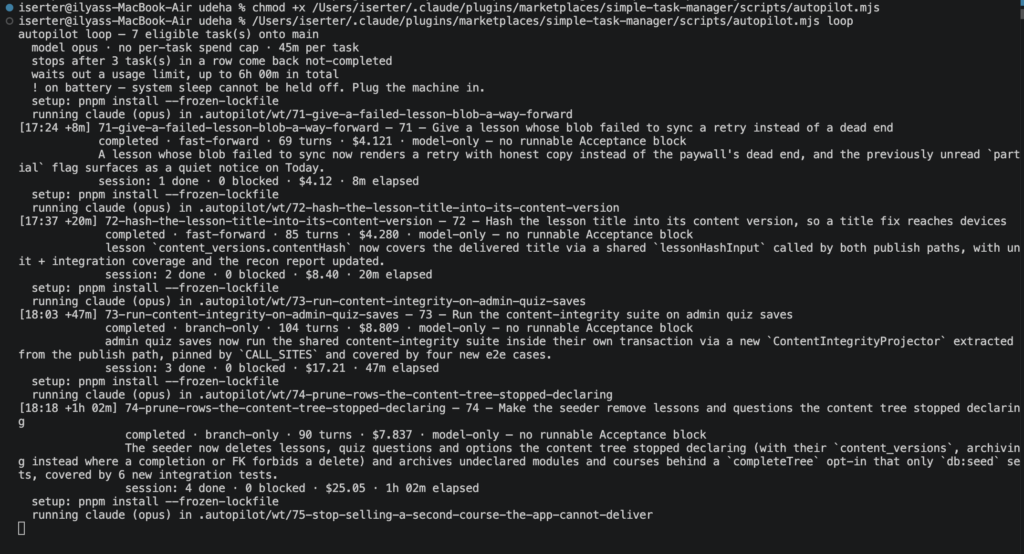
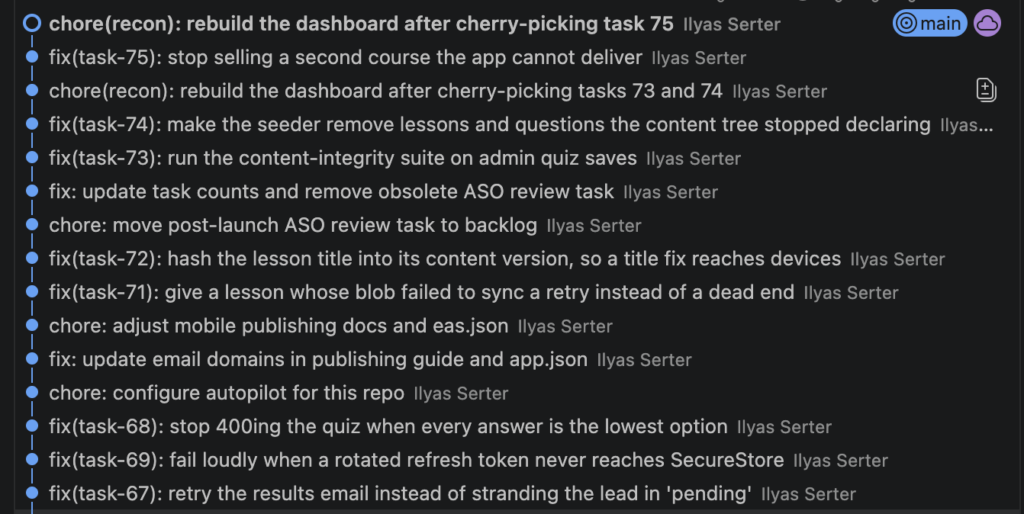
Overall, I’m pretty happy with how this turned out.
I still have some work to go, but at least I was able to fix ~25 critical and high bugs. It lowered the broken user flows from 16 to 1.
Feel free to contribute to the plugins. I’d be happy to get some new feature PRs, fixes, improvements, etc.